SuiteProjects Pro: Time Project Billing Rule (TPBR) Revenue Recognition
The SuiteProjects Pro recognition rule type, Time project billing rule (TPBR), recognizes revenue based on approved, billable time entered against a project. The revenue is recognized at the hourly rate assigned to those approved hours, but it is possible to use this feature even if the billing rule is inactive.
Setting up billing rules
Before you can add a TPBR revenue rule to a project, you first must create at least one complete Time billing rule* on the project.
*The Time billing rule does not need to be active.
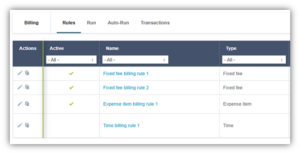
In the example below, the rate on the billing rule is $200/hr, but it is not active. The project will be billed in fixed fee increments, but revenue will be recognized based on the inactive billing rule.

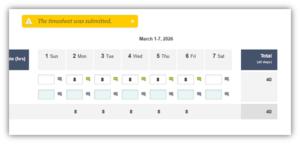
A user enters their timesheet, and it is approved. Even though these hours are technically not billable, the TPBR revenue rule can still use them to generate revenue transactions.
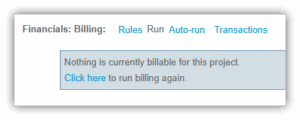
When you run your billing, no time billing charges or project billing transactions will be created.
Even though no billing has taken place, the approved timesheet hours are still tied to the billing rule.
Create and run a revenue recognition rule
Now that you have created your inactive Time billing rule, you can set up the Revenue recognition rule. For this example, we only created a single, inactive Time billing rule, and will select it before completing any other fields as needed and saving.
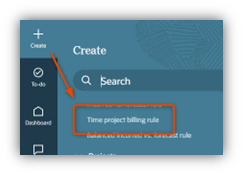
When you create your revenue recognition rule, you’ll select the Time project billing rule (TPBR) type.
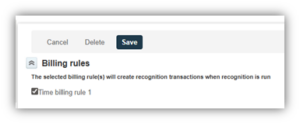
Select the Time billing rule and Save the rule.
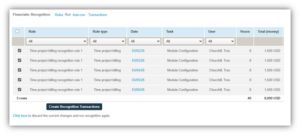
Now, when you run recognition, you will see that the TPBR recognition rule creates revenue according to the rates on the inactive Time billing rule.