Improve System Performance by Skipping Recalculation of Projects
In some cases, system performance can be impacted by operations taking place behind-the-scenes in SuiteProjects Pro. One major feature, that is hidden to the average user, is the conversion of Bookings and Assignments to a daily value.
Have you ever wondered how you can set a Booking to “400 hours” with a Start Date, End Date, and Resource, and the system just “knows” that:
- It should be 8 Hours per day
- Sum the weekly or monthly amount
- Account for days off or part-time
- Account for number of business days per month
The secret is that SuiteProjects Pro will convert these Booking “ranges” into their available daily slots to provide you the most accurate projections and backlog values.
This means that the calculation can get heavier and heavier due to the number of resources, tasks, volume and frequency of bookings, and more.
If this impacts system performance, you can bypass this feature on a project-by-project basis!
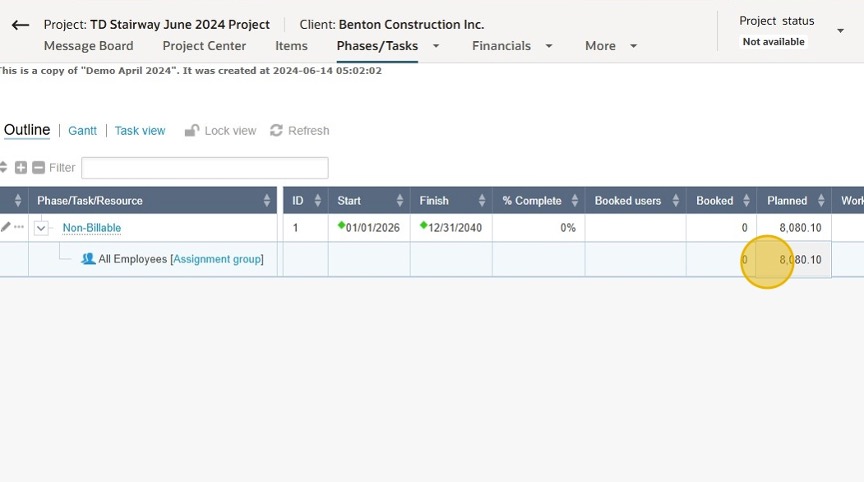
This is useful for perpetual or extended projects involving large groups and still require “availability” visibility but do not need forecasting and estimates, such as internal initiatives, non-billable work or unpredictable periods. To do this, simply follow the steps below:
Create A Custom Field to Enable Skipping Project Recalculation
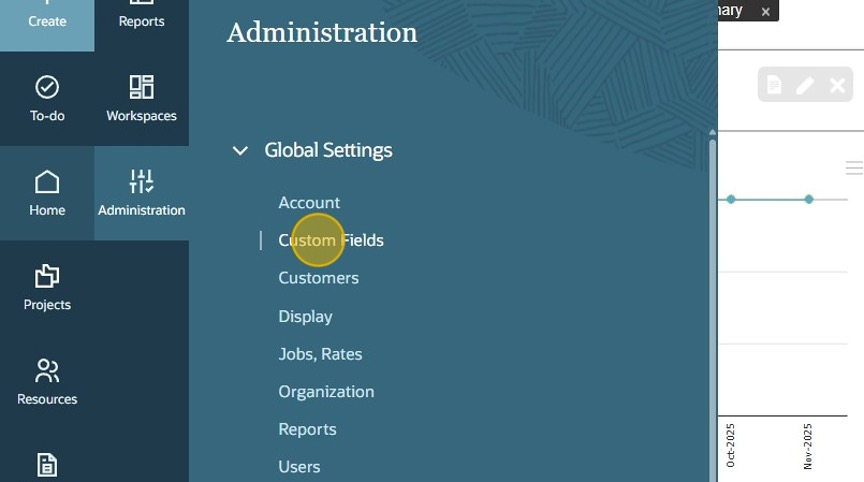
- Navigate to “Administration” > “Custom Fields”
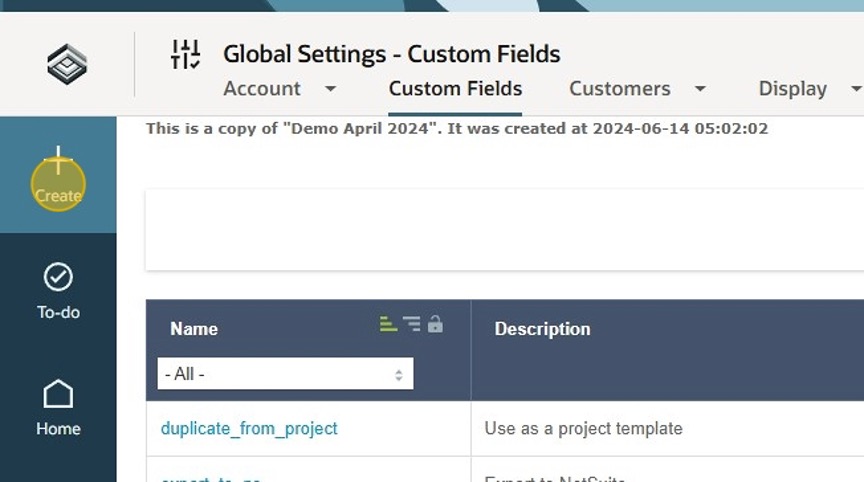
- Click the “Create” button
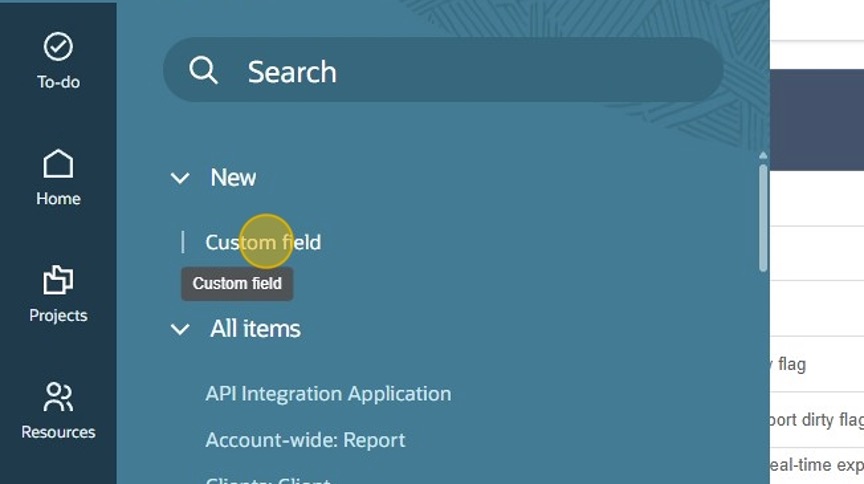
- Create a new “Custom field”
- Create a Checkbox on the Project Record, and Click “Submit”
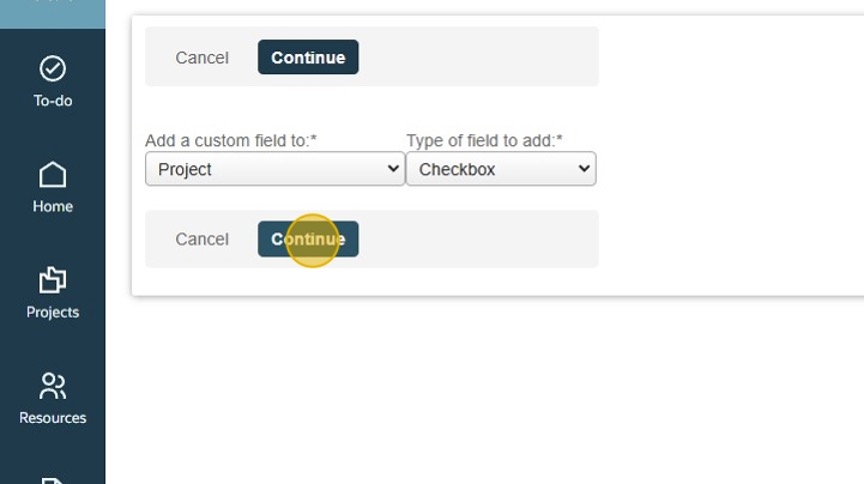
- Name the field “skip_task_recalc” (this must be exact) Click “Submit”
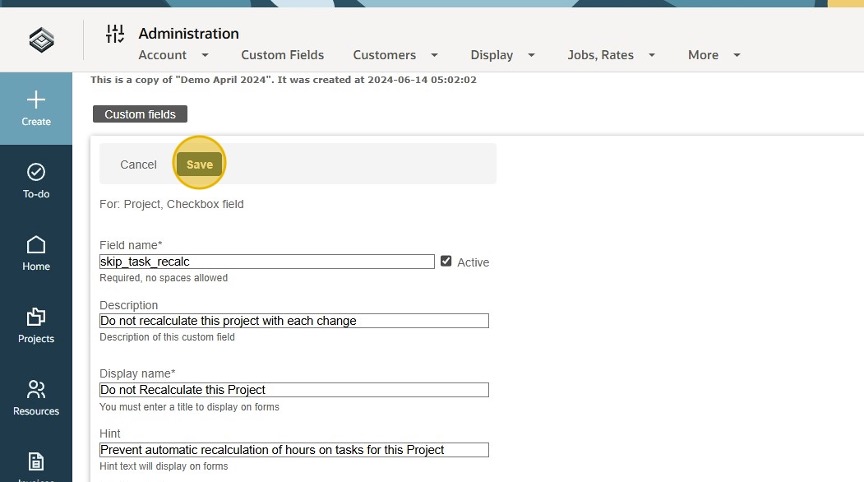
This is a “special” field that enables the system to ignore projects in recalculation, you do not need to create a script or request a feature from Oracle, simply activate and use!
- Check the box on the Projects you wish to exclude from daily/live calculations
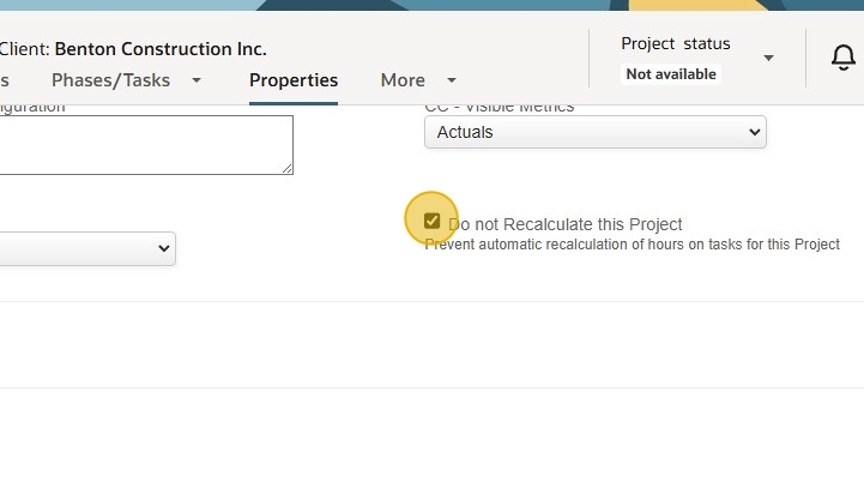
- You can still have visibility of Bookings, Assignments and Planned Hours, but they will no longer impact system performance as weighty calculations if they are not needed!