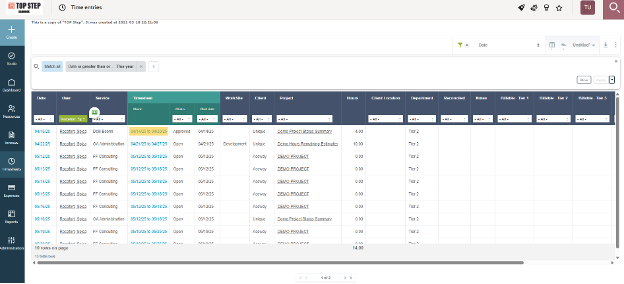
How to Access the Time Entries List View in SuiteProjects Pro
Your environment may have already been pre-configured this way, but did you know that the ability to get a list view of all time entries in SuiteProjects Pro (SPP) is actually an internal setting/switch? The switch is called “Enable the time entry tab” and admins can have it enabled by requesting it from SPP Support.
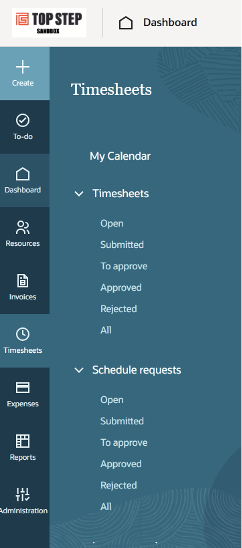
If this switch is not enabled AND/OR your role does not have the “View the time entry tab” permission checked, this will be what you see when you click on the Timesheets module button:
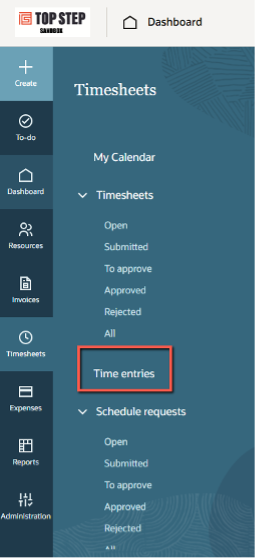
If you have the switch enabled in your environment AND the role permission “View the time entry tab” (both are required), your view will now include a link to the time entries list view:
This list view comes with all of the features of the other list views in SPP; you can set (and save) advanced filters, add/remove columns, view column totals, download it, or perform bulk actions (Admins only, and bulk action options are limited). Additionally, if you have the role permission “View timesheets and time entries as links on time entry list views” enabled, you can click the link in the “Timesheet Name” column to easily navigate to the timesheet that the time entry belongs to.