Close all Sub-tasks When Closing a Phase in SuiteProjects Pro
The SuiteProjects Pro PSA tool offers many options for streamlining your management of project task structure, user access, and permissions related to project management. One feature that helps in this regard is the setting Closing a phase will close all sub-phases and sub-tasks within that phase which allows you to close multiple tasks at once, making the process of controlling timesheet access to a series of tasks much easier once work is completed.
Enabling the setting
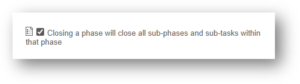
A system administrator can enable this feature by navigating to the Project settings and enabling the checkbox field: Administration > Application Settings > Project Settings > Other settings > Closing a phase will close all sub-phases and sub-tasks within that phase
What is a Sub-task?
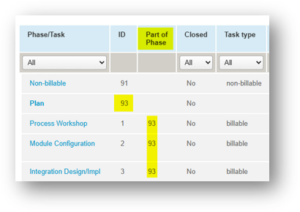
This term refers to any task on a project that is a child of/nested below another task, phase, or milestone.
See below:
How it Works
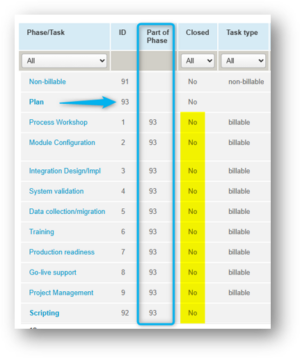
You can see below that the phase Plan, and all sub-tasks, are active/not closed.
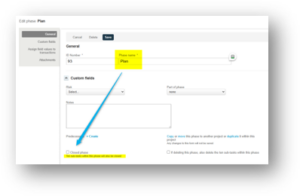
Next, open the Phase record, and mark it closed. Click ‘Save’
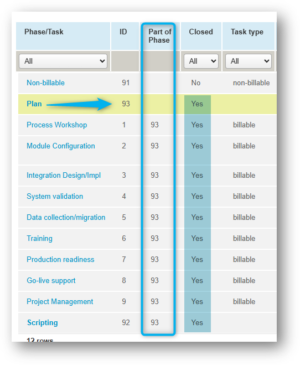
Now you can see that all the associated sub-tasks are also marked Closed.