
Run and Create Pending Recognition for All Projects in SuiteProjects Pro
Creating revenue recognition transactions at the project level offers a high degree of control; however, depending on the size of your organization, this option can become difficult to manage. Fortunately, SuiteProjects Pro provides an easy way to generate recognition transactions in bulk using the Pending Recognition Report.
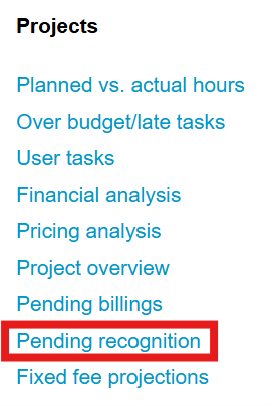
- Navigate to the Pending Recognition Report
Reports > Advanced > Projects > Pending Recognition
- You have the option to set a specific Time Range and/or various Filters.
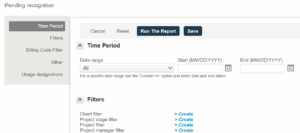
- Check the box to Hide Projects with no pending recognition.

- Click Run the Report to view the Pending Recognition by Project.
- To Create the Recognition Transactions, click the Tips button (bulb icon at the top-right).
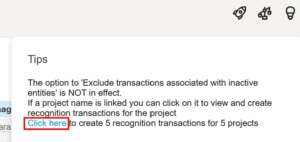
- A Confirmation page will appear when the creation process is complete.

