
Using OpenAir Custom Notifications Feature and Suppressing Standard System Notifications
Custom notifications are triggered in the same manner as standard system notifications are but custom notifications allow the ability to apply conditional criteria to your notification triggers and also provide various options for notification delivery.
Some examples of custom notification delivery settings include:
1. Sending to multiple recipients
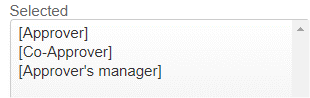
2. Designating how many emails are sent out and to which recipient types

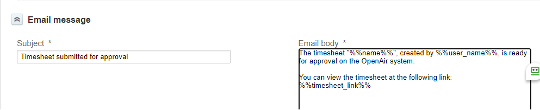
3. Customizing email subject line and body
For those taking advantage of using the custom OpenAir notifications feature, be reminded to suppress standard system notifications to avoid redundancy of notifications to end users. You can do this by sending OA Support a request to enable the Suppress submission and approval standard system mail switch for the respective modules(s) where custom notifications may be in use for your OpenAir instance.

